



With the 2026 H2 release, primedocs delivers a wide range of new features and optimizations for users, administrators, and template developers. The most important updates have already been rolled out step by step over the past few months and are now available as a stable, fully tested main release.
What is new in Release 2026 H2?
In this post, we present the main highlights of Release 2026 H2. A detailed overview of the release announcement is available as a download.
The new primedocs web app
The primedocs web app has been completely redesigned and now offers a more modern user interface for day-to-day work with templates and documents. Improved navigation, new display options, and an integrated preview provide a clearer overview and a more consistent user experience across different primedocs applications.
Snippets for new Outlook and Outlook on the web
The snippet library is now also available in the new Outlook and in Outlook on the web. Recurring content can be managed centrally, maintained in multiple languages, and inserted directly into emails. This keeps established processes intact in the new Microsoft interfaces.
Automatic document classification with Microsoft Purview
Documents can now be assigned sensitivity labels as early as the creation step. Classification takes place directly in the creation process through Microsoft Purview and helps organizations apply security and compliance requirements consistently.
Mailing control for bulk recipients
The new mailing control simplifies sending to multiple recipients. Documents, labels, envelopes, and other mailing materials can be prepared centrally, processed, and made available for downstream handling.
New web admin
With the new browser-based web admin, primedocs continues to expand its web-based administration capabilities. Users, profiles, groups, roles, and organizational units can now be managed more conveniently through one central interface.
Roles for additional profiles
Additional profiles can now be controlled based on roles. This ensures that the correct sender profile is used automatically, for example for deputy arrangements or organization-specific signature rules.
Document creation directly from specialist applications
primedocs can be triggered directly from specialist applications such as CMI or Fabasoft OneGov. Documents are created in the browser and integrated into existing business processes without disruption.
Connect AI assistants with primedocs
The new Model Context Protocol integration, or MCP integration for short, allows selected AI assistants to interact directly with primedocs. This makes it easier to connect templates and document processes to AI-supported workflows.
PowerPoint sending and slide extraction
Presentations or individual slides can now be sent, saved, or processed directly from PowerPoint. These functions support more efficient handling of presentation content and simplify distribution.
Crisp logos thanks to SVG support
primedocs now supports vector graphics for logos, icons, and pictograms. This keeps graphics sharp on modern screens and in print while ensuring they are used consistently across Microsoft applications.
New product documentation
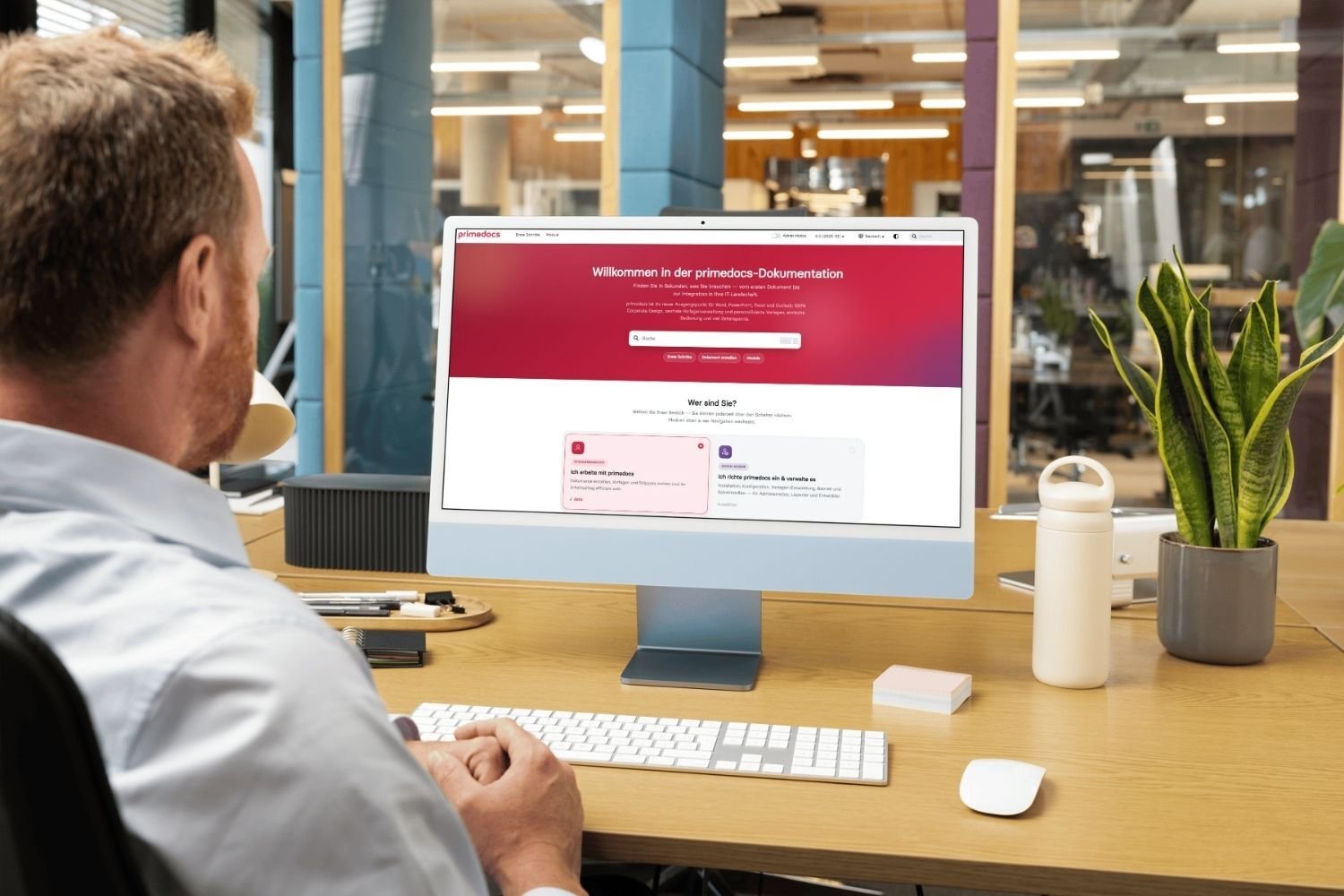
The product documentation has been fundamentally modernized and restructured. Users, administrators, and template developers will now find information faster and more precisely for the product version they use. The documentation is publicly available at docs.primedocs.io. Alongside guides and background information, you will also find the latest release notes.
New tools for template builders
The release includes a wide range of enhancements for developing and maintaining templates and forms. New editors, simplified configuration options, and improved tools help template developers implement complex requirements more efficiently.

Release announcement 2026 H2 in detail
Learn more about the primedocs Release 2026 H2 in the detailed PDF document.
Outlook: what is planned for the 2027 H1 release?
The next main release is planned for April 2027. We are already working on a range of enhancements that will further simplify the handling of templates, content, and administration while continuing to expand the web-based platform.
-
Content hub for media and content: A central sidebar will make images, graphics, and other content available directly in Word, PowerPoint, and Excel. The goal is to make media easier to use inside Microsoft 365 applications.
-
Snippet management in the web admin: Text modules will in future be managed entirely in the web admin. Content, permissions, and multilingual setup can then be handled centrally and independently of Outlook.
-
Templating for the new Outlook: Signatures, campaigns, and email templates will in future be created and maintained directly in the web admin. This will make administration more modern and fully web-based.
-
Automatic versioning for templates: Changes to templates will be versioned automatically and documented in a traceable way. This will make it transparent when changes were made and who made them.
Help shape new features with us
Do you have requirements that go beyond the current primedocs feature set? With our feature sponsorship model, you can actively help shape the further development of primedocs. Specific functions can be prioritized and implemented faster, while giving you the opportunity to contribute your requirements at an early stage.
We are currently looking for sponsorship partners for the following topics:
-
Expand security labels: Extended classification and protection mechanisms based on Microsoft Purview.
-
Frontify integration for the content hub: Direct access to media and assets from Frontify within Microsoft 365.
-
Subfolders and views for templates: Extended options for structuring and organizing large template inventories.
-
Agenda tool for PowerPoint: Automatic creation and maintenance of agenda slides in presentations.
-
Style sheets in the primedocs ribbon: Direct access to company style sheets via the primedocs tab in Word.
-
Calculated form values: Automatic derivation of form content and metadata based on existing input.
-
Advanced snippet management: More transparency, better search functions, and decentralized maintenance of text modules by specialist departments.
Are you missing a feature or do you want to accelerate a specific enhancement? Get in touch with us. Together, we will review how your requirements can be incorporated into the continued development of primedocs.